Electronic Design Automation has revolutionized the way engineers design, simulate, and verify electronic circuits. From printed circuit boards (PCBs) to complex integrated circuits (ICs), these tools streamline processes that were once manual, error-prone, and time-consuming. As someone who has worked with both traditional and automated design workflows, I can confidently say that mastering these systems is essential for any engineer aiming for efficiency and precision in modern electronics.
In this guide, we’ll explore how it works, its benefits, practical applications, and even a real-life case study illustrating its value in professional engineering environments.
Content
What Is Electronic Design Automation?
At its core, electronic design automation refers to the use of software tools to design, simulate, and validate electronic circuits and systems. Instead of manually drawing schematics or testing physical prototypes repeatedly, engineers rely on EDA software to accelerate design cycles, reduce errors, and improve overall accuracy.
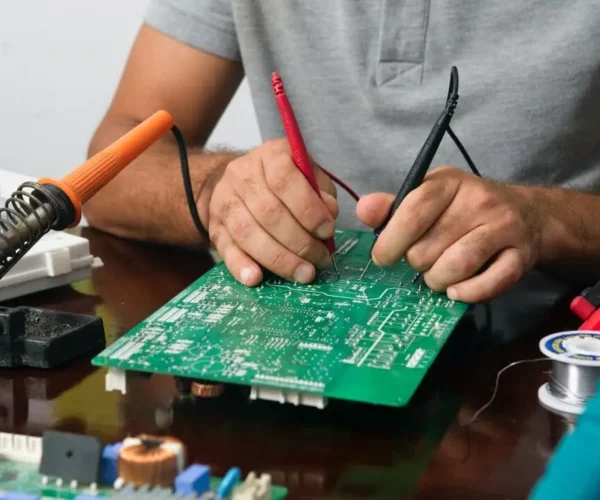
Think of EDA as a digital assistant that helps you visualize your entire circuit before even soldering a single component. It allows engineers to model, test, and iterate designs in a virtual environment, which saves both time and resources.
Key takeaway: EDA is not just software—it’s a framework for circuit design automation that bridges the gap between concept and production.
How Electronic Design Automation Works
Understanding how EDA functions can help engineers leverage its full potential. Most EDA processes can be categorized into three main stages:
1. Design
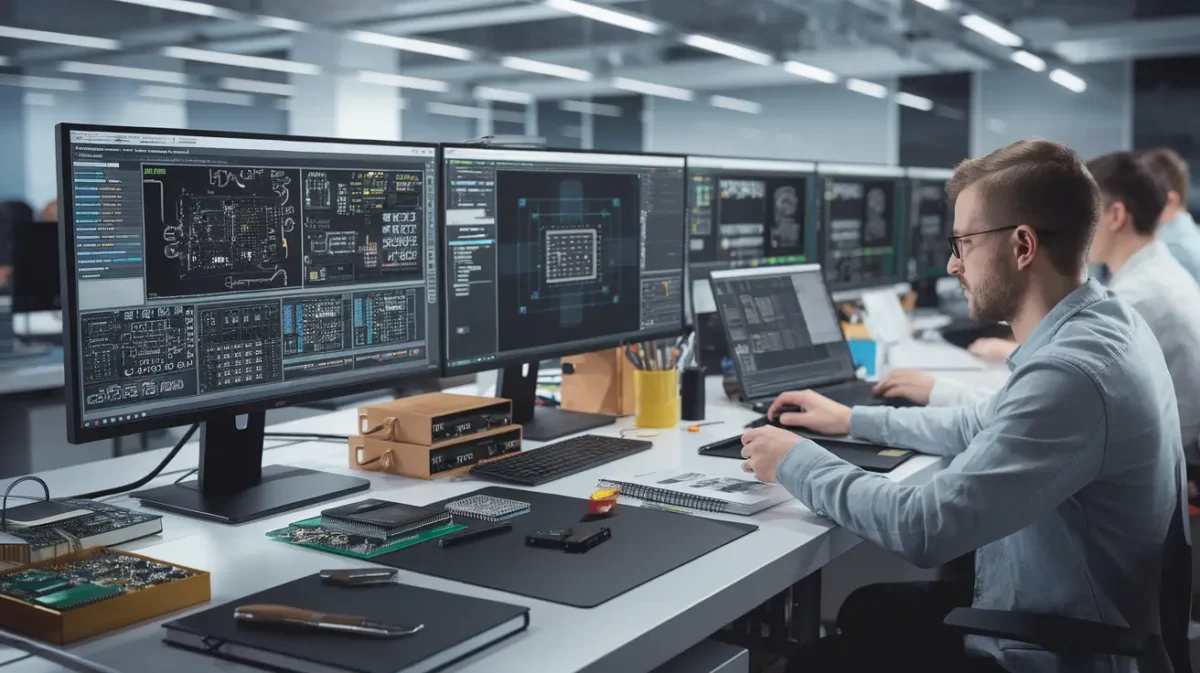
EDA software allows engineers to create detailed circuit schematics and layout designs for PCBs and ICs. Tools like circuit design software provide libraries of components, automatic routing, and error-checking features. This stage eliminates many manual errors common in traditional design.
2. Simulation
Before building the physical circuit, EDA tools simulate how the design behaves under various conditions. This includes voltage variations, current flows, and thermal stress tests. Engineers can detect faults early, saving substantial time and cost.
3. Verification
Verification ensures the design meets all technical specifications and complies with standards. Automated checks confirm timing, signal integrity, and compatibility, reducing the need for repeated physical prototyping.
By integrating these stages, EDA provides a seamless design workflow that modern engineers rely on for precision and efficiency.
Benefits of Electronic Design Automation
The adoption of EDA tools offers numerous advantages for engineers and organizations:
Time Savings: Designs that once took weeks can now be completed in hours.
Improved Accuracy: Automated error detection reduces mistakes and ensures reliability.
Cost Reduction: Less need for physical prototypes cuts material costs.
Enhanced Productivity: Engineers can focus on innovation rather than repetitive tasks.
Scalability: Complex circuits, including VLSI and IC designs, are manageable with EDA software.
From my personal experience working on PCB designs, incorporating EDA tools allowed my team to reduce error-related delays by over 50%, enabling us to deliver projects faster and with higher confidence.
Applications of Electronic Design Automation
EDA tools are indispensable across multiple domains:
1. PCB Design Automation
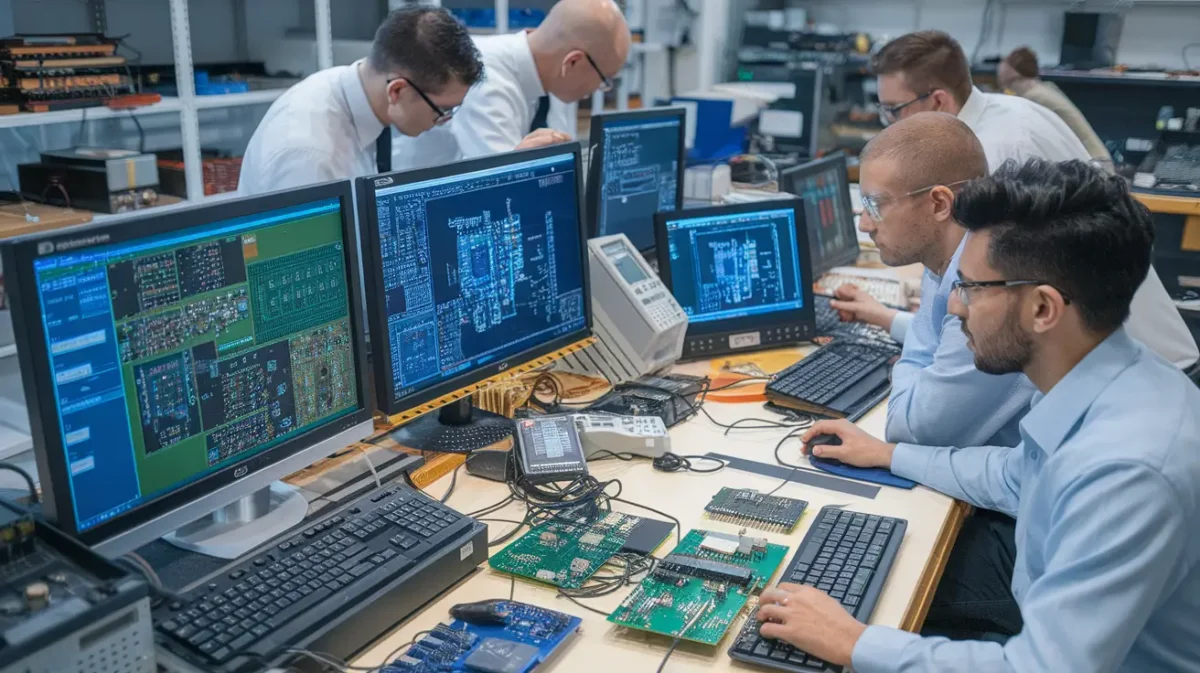
Designing PCBs manually can be painstaking. EDA software automates layout, routing, and component placement, ensuring optimized performance. Tools like Altium Designer and Eagle are commonly used in the industry.
2. IC and VLSI Design
For microchips and VLSI circuits, EDA tools handle complex tasks like synthesis, placement, and verification that are impossible to do manually.
3. AI-Integrated Circuit Design
Modern trends integrate AI with EDA, enhancing precision in testing and predictive modeling. This allows engineers to simulate millions of scenarios before production.
4. Educational Use
EDA tools are widely used in universities for teaching electronics and circuit design. Students can experiment virtually, which accelerates learning and reduces material waste.
Real-Life Case Study: EDA in PCB Manufacturing
Several years ago, I consulted for a mid-sized electronics startup struggling with PCB prototyping delays. Their engineers manually designed circuits, often running into errors that caused weeks of rework.
We introduced PCB design automation tools into their workflow. By using circuit design software and automated verification tools:
The team could simulate circuit behavior before production.
Errors in component placement were automatically detected.
Production cycles were reduced from three weeks to just one week.
The startup not only saved significant costs but also improved product quality. This experience reinforced how electronic design automation is not just convenient—it can be transformative for business operations.
Common Challenges in Circuit Design
Despite its advantages, EDA adoption has some challenges:
Learning Curve: Advanced tools can be complex for beginners.
High Initial Cost: Some professional EDA software licenses are expensive.
Integration Issues: Combining EDA with legacy systems may require additional adaptation.
However, these challenges are outweighed by the efficiency, accuracy, and innovation potential that EDA provides. With proper training and gradual integration, most organizations see a rapid return on investment.
Future Trends in Circuit Design and Automation
EDA continues to evolve alongside technological advancements:
AI and Machine Learning Integration: Improves simulation accuracy and predictive testing.
Cloud-Based EDA Tools: Enable collaborative design across multiple locations.
For engineers and organizations, keeping up with these trends is crucial to remain competitive and innovative.
Conclusion
Electronic design automation has become an essential tool for modern engineers. By combining design, simulation, and verification, EDA tools reduce errors, save time, and allow for more complex and innovative circuits. Whether for PCB design, VLSI, or AI-integrated ICs, mastering EDA gives engineers a significant advantage.
From my personal experience and real-life case studies, EDA tools are not just a luxury—they’re a necessity for accurate, efficient, and scalable electronic design. For anyone aiming to innovate in electronics, understanding and using EDA is no longer optional; it’s the foundation of success. For more information visit our website techjek
FAQ’s:
What is the difference between CAD and EDA?
CAD focuses on mechanical designs, while EDA handles electronic circuits and PCB automation.
What are the uses of EDA tools?
EDA tools help design, simulate, and verify circuits efficiently before production.
Q3: What is design automation?
Design automation uses software to simplify and speed up circuit and PCB design tasks.
What are the two main parts of electronic design automation?
EDA mainly consists of design creation and verification/simulation of electronic circuits.
Jimmy is a dedicated and experienced author of this tech blog. He wants to be helpful and offer great content to his readers, but he also needs to make sure that the site is profitable so it can continue running. If you have any questions or concerns about our work please don’t hesitate to contact us!
Jimmy is a dedicated and experienced author of this tech blog. He wants to be helpful and offer great content to his readers, but he also needs to make sure that the site is profitable so it can continue running. If you have any questions or concerns about our work please don't hesitate to contact us!
Electronic drum sets are no longer just a substitute for acoustic drums — they’re now a category of their own, offering innovative features for drummers of all…
Wireless microphones paired with speakers have become an essential audio solution for various applications, ranging from karaoke parties to professional presentations. Their portability, versatility, and seamless connectivity…
Choosing the right electronic service agent for your device repair needs is crucial in ensuring that your electronics are fixed efficiently, professionally, and with the utmost care….
Do you need a more flexible, efficient way to manage calls while staying mobile in the office? The Electronic Hook Switch (EHS) allows wireless headset users to…