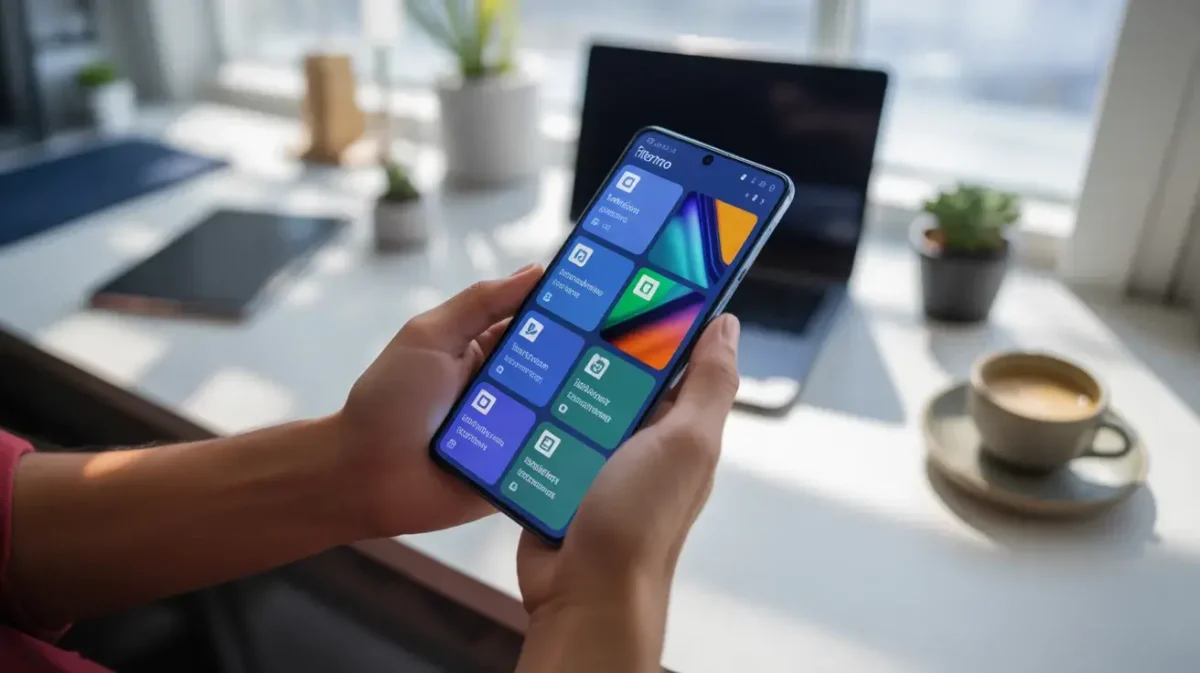
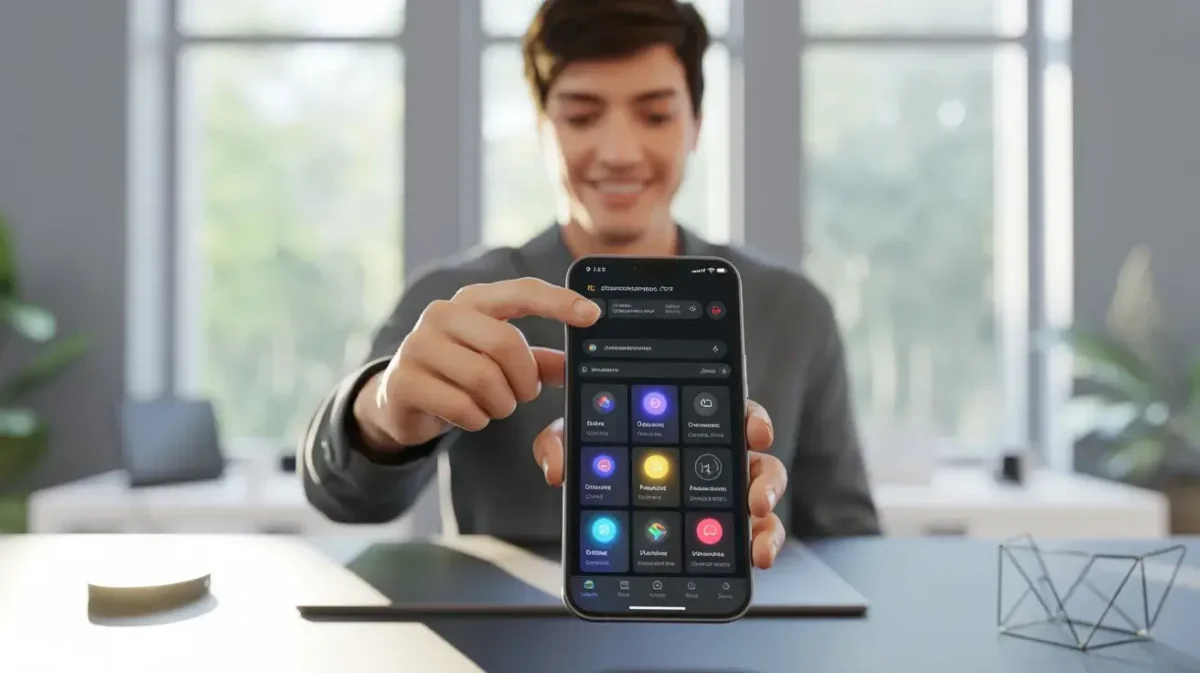
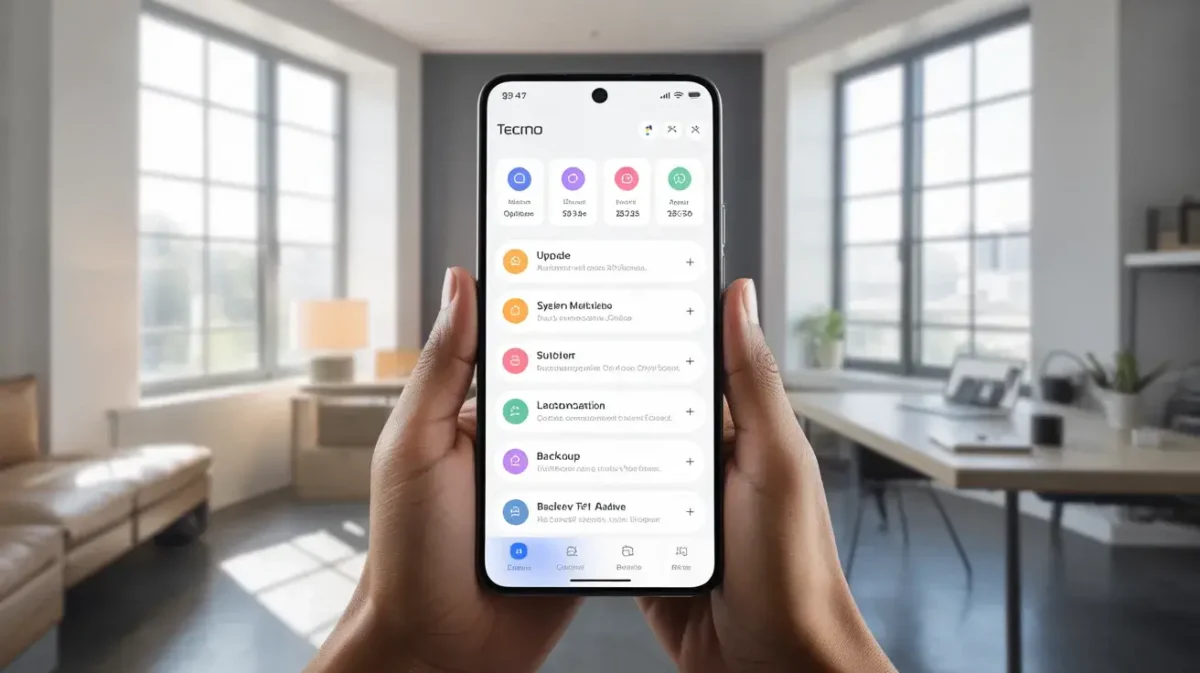
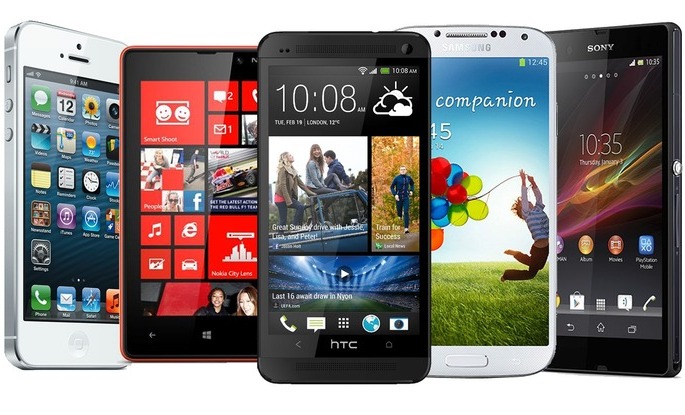
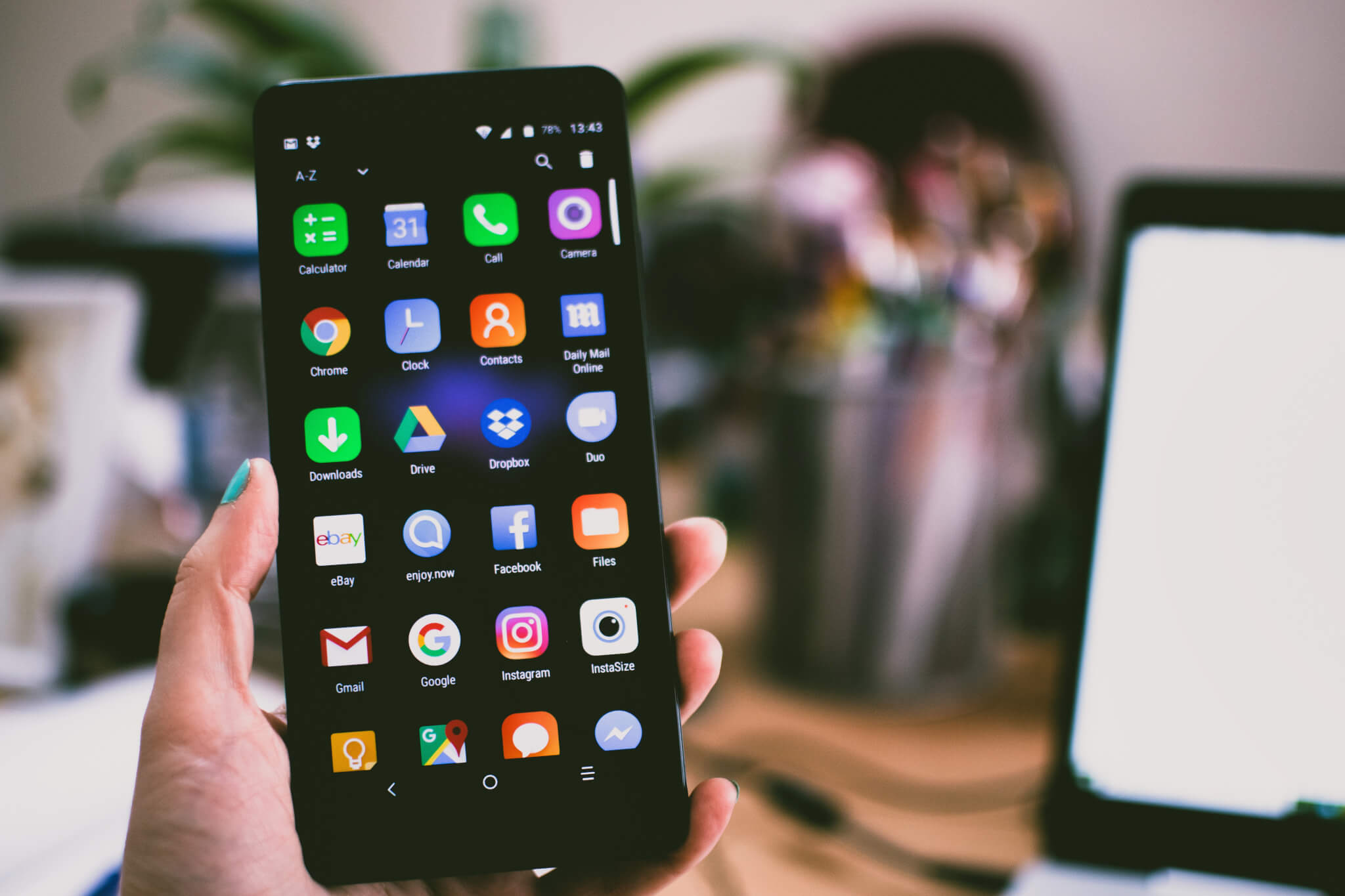
In today’s fast-paced digital world, smartphones have become an essential part of our lives. But owning a smartphone is just the beginning. To get the most out of your device, having the right tools is crucial — and that’s where the Tecno mobile app comes in. Whether you’re a first-time Tecno user or someone looking to optimize your phone experience, this guide will walk you through its key features, benefits, and practical tips for using your device effectively.
Content
What Is the Tecno Mobile App?
The Tecno mobile app is a suite of official applications designed exclusively for Tecno smartphones. These tools enhance device performance, simplify daily tasks, and offer personalized experiences. Unlike generic Android apps, they are optimized for the HiOS operating system, ensuring smoother functionality and seamless integration with your device’s hardware. From device optimization to app management and updates, this ecosystem provides a variety of utilities that make your smartphone smarter and more user-friendly.
Key Features of Tecno Mobile Apps
Tecno mobile apps come packed with features that help you maximize your smartphone experience. Here are some of the main ones:
1. Easy App Downloads
The Tecno smartphone app ecosystem includes the Palm Store, Tecno’s official app marketplace. Unlike generic app stores, Palm Store highlights apps that are optimized for Tecno devices. Users can easily discover and download apps that won’t compromise device performance.
2. Device Optimization Tools
Many Tecno apps, like Phone Master, provide tools for cleaning junk files, boosting speed, and extending battery life. These optimization tools help keep your phone running smoothly without manual tweaks.
3. Personalized User Experience
Tecno apps like HiOS Launcher allow users to customize their home screens, themes, and gestures. This means you can tailor your device interface to your liking, making your smartphone truly your own.
4. Regular Software Updates
Users receive timely updates for apps and system enhancements, ensuring their device stays secure, performs efficiently, and enjoys the latest features.
Advantages of Using Tecno Apps
The benefits of using the Tecno app extend beyond simple convenience. Here’s what makes it worthwhile:
Enhanced Performance: Optimization tools and app management improve speed and responsiveness.
Better Security: Official Tecno apps reduce the risk of malware from third-party sources.
User-Friendly Interface: Apps like HiOS Launcher make navigating your device intuitive and enjoyable.
Customization Options: Personalize your smartphone to reflect your style and usage preferences.
Real-Life Case Study: Take the example of Sarah, a small business owner in Lahore, Pakistan. She relies heavily on her Tecno smartphone to manage social media, track orders, and communicate with clients. After installing the Tecno mobile app suite, she noticed a 25% improvement in device performance, thanks to Phone Master, and the Palm Store helped her discover productivity apps that significantly streamlined her workflow. The personalized interface also allowed her to set up quick gestures for commonly used apps, saving her valuable time every day.
How to Download and Install Tecno Apps
Getting started with Tecno apps is simple. Follow these steps to make sure you have the latest tools:
Open Palm Store on your Tecno smartphone.
Search for the desired app (e.g., Phone Master, HiOS Launcher).
Tap “Download” and wait for the installation to complete.
Grant necessary permissions for smooth functionality.
Explore settings and customization options to optimize the app according to your preferences.
By following these steps, users can enjoy a safe and optimized experience without worrying about compatibility issues.
Are Tecno Mobile Apps Safe?
Safety is a common concern for any smartphone user. Tecno ensures its apps are safe to use by:
Releasing apps through official channels like the Palm Store.
Running regular security updates to patch vulnerabilities.
Providing user permissions controls, allowing you to manage what data each app can access.
Using Tecno apps reduces exposure to malware and unauthorized access compared to downloading random third-party apps.
Common Issues With Tecno Apps and How to Fix Them
Even the best apps can encounter occasional issues. Here are some common problems and solutions:
App Crashes: Ensure your app is updated to the latest version. Clear cache through Phone Master if needed.
Slow Performance: Use device optimization tools within the Tecno app suite to free up memory and boost speed.
Permission Errors: Go to settings and grant necessary permissions for smooth functionality.
These tips can help you maintain a seamless experience with your Tecno apps.
Tips to Improve Tecno App Performance
To get the most out of the Tecno mobile app, consider these tips:
Regularly update apps through the Palm Store.
Use Phone Master for junk cleaning and memory management.
Customize your device with HiOS Launcher for faster access to favorite apps.
Backup important data using Tecno’s built-in tools to prevent accidental loss.
Following these practices ensures your Tecno smartphone remains fast, secure, and user-friendly.
The Future of Tecno Apps
Tecno is constantly evolving its mobile app ecosystem to enhance user experience. Upcoming features focus on AI-driven device management, better app recommendations, and integrated productivity tools. These innovations aim to make Tecno devices more intelligent and adaptive, meeting the growing needs of modern users.
Conclusion
The Tecno mobile app suite offers more than just apps — it provides a complete smartphone experience tailored to your needs. From optimizing device performance to enhancing usability and personalization, Tecno apps make smartphones smarter and more enjoyable to use. Similar to how advanced devices like the Samsung Galaxy S25 integrate smart features for productivity and customization, following the tips and insights shared in this guide can help you unlock the full potential of your Tecno device and enjoy a seamless mobile experience. Whether you are a casual user or a busy professional like Sarah, leveraging Tecno apps can save time, improve productivity, and make your smartphone truly your own.
FAQ’s:
Is TECNO an iOS or Android?
TECNO smartphones run on Android, not iOS.
How to activate TECNO AI?
Activate TECNO AI via device settings under HiOS smart features.
Are TECNO and Infinix the same?
No, TECNO and Infinix are separate smartphone brands under Transsion Holdings.
Is Tecno Mobile Chinese?
Yes, Tecno Mobile is a Chinese brand under Transsion Holdings.
Jimmy is a dedicated and experienced author of this tech blog. He wants to be helpful and offer great content to his readers, but he also needs to make sure that the site is profitable so it can continue running. If you have any questions or concerns about our work please don’t hesitate to contact us!
Jimmy is a dedicated and experienced author of this tech blog. He wants to be helpful and offer great content to his readers, but he also needs to make sure that the site is profitable so it can continue running. If you have any questions or concerns about our work please don't hesitate to contact us!
The Samsung Galaxy S25 is expected to launch in early 2025, featuring cutting-edge AI capabilities, a powerful processor, an upgraded camera, and a longer-lasting battery. It will…
The Samsung Galaxy S25 Ultra has emerged as one of the most eagerly anticipated devices in the smartphone industry. As Samsung’s flagship release, it sets a high…
A Mini 3.5 smartphone is a compact, lightweight device with a screen size of around 3.5 inches, offering all the essential features of a regular smartphone in…
The Motorola DynaTAC 8000X, introduced in 1984, was the first commercially available mobile phone, revolutionizing communication and laying the groundwork for the modern mobile era. It was…
In today’s world, a free phone or tablet is no longer a far-fetched idea. With the rise of promotional offers, giveaways, and special deals, it’s entirely possible…
Your smartphone’s internal clock is a precision component responsible for tracking time and coordinating critical functions such as app synchronization, alarms, and location services. Its accuracy ensures…