Are you preparing to boost your property’s security with a reliable surveillance system? Mounting security cameras isn’t just about picking a spot and drilling—it’s a precise process that ensures you capture the right angles, eliminate blind spots, and create a seamless line of defense.
In this guide, we’ll walk through the key steps and smart tips for mounting security cameras, whether you’re securing a residential home, business premises, or smart house. Let’s make sure your system is installed for peak performance—no guesswork, no hassle.
Content
Understanding Your Security Camera System
Before mounting security cameras, it’s essential to understand the broader surveillance ecosystem. A typical system includes:
Camera units (wired or wireless)
Recording devices (DVR/NVR systems)
Knowing how these pieces connect can help you plan strategic placements that enhance your overall coverage and system efficiency.
Choosing the Right Type of Security Camera
Not all cameras are created equal. Depending on your security goals, you may consider:
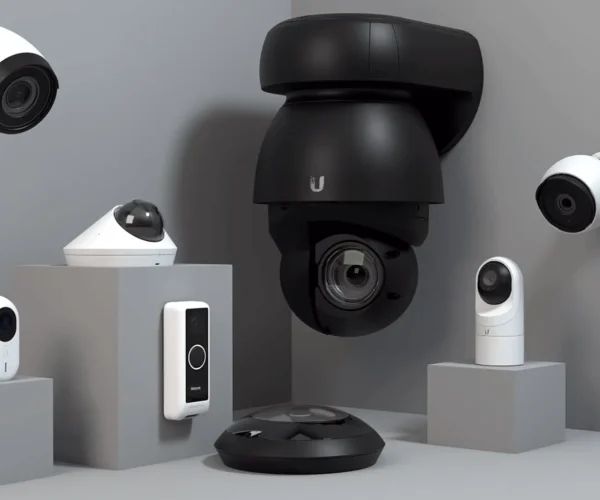
Dome Cameras: Ideal for indoor ceiling mounts and 360-degree views.
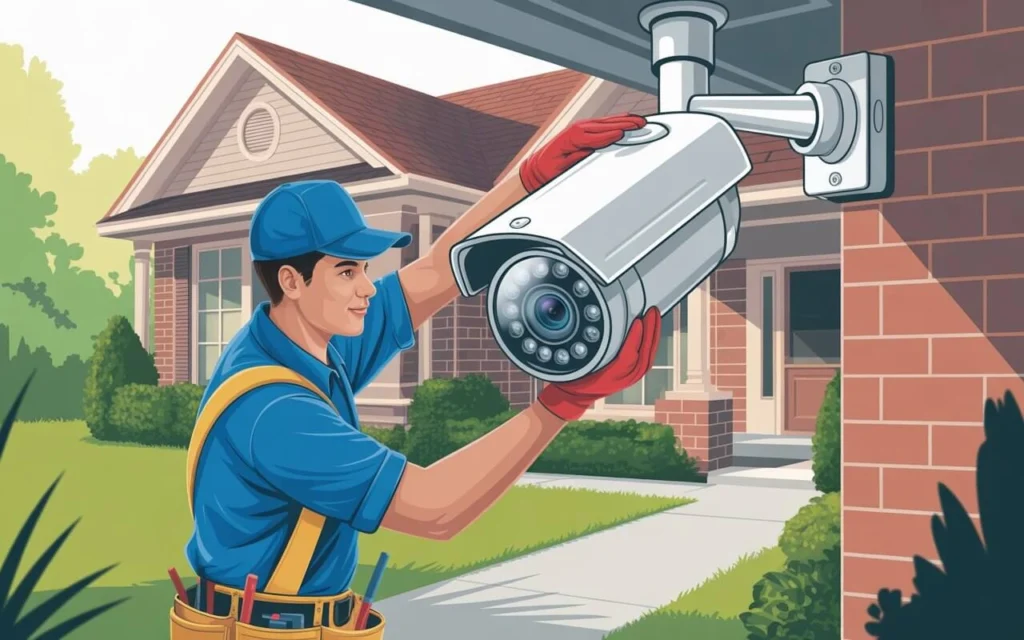
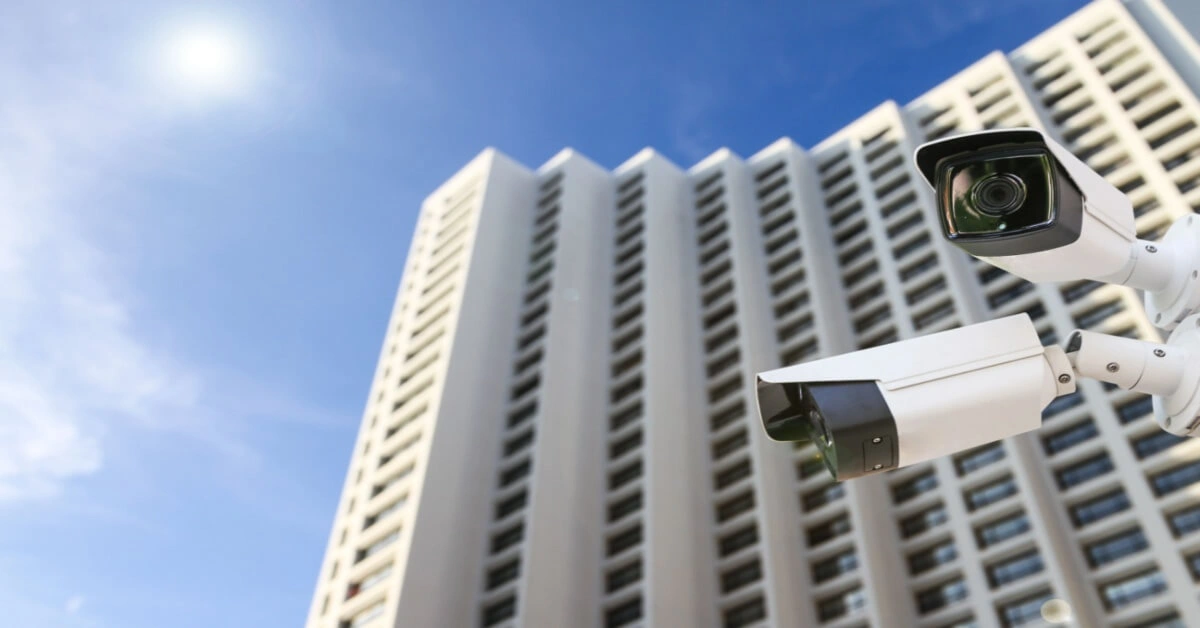
Bullet Cameras: Perfect for outdoor installation with a long-range field of view.
Don’t forget to check for night vision capability, motion detection, and resolution quality. For outdoor use, look for IP-rated weatherproofing.
Wired vs. Wireless: What Works Best for Mounting?
When planning for mounting security cameras, your setup’s power and data method matters.
Feature
Wired Systems
Wireless Systems
Installation
Requires drilling & cabling
Easier plug-and-play setups
Signal Strength
More stable
Can suffer interference
Maintenance
Less prone to signal loss
May need regular troubleshooting
Pro Tip: If you’re mounting multiple cameras across a large area, Power over Ethernet (PoE) systems offer the stability of wired with simpler installation.
Walk around your property and mark critical zones, including:
Entrances and exits
Driveways, garages, and parking areas
Hallways or common indoor zones
Fences and backyards
Look for choke points—areas an intruder would have to pass through—and plan overlapping fields of view.
2. Select the Right Mounting Height
Mount cameras high enough to prevent tampering but low enough to identify facial features. The ideal height:
Outdoor cameras: 8–10 feet off the ground
Indoor cameras: Ceiling corners or elevated wall positions
Avoid mounting directly under eaves or overhangs unless the camera is rated for darkness and shadow performance.
3. Account for Lighting and Obstructions
Avoid placing cameras directly opposite light sources like streetlights or large windows. Watch out for tree branches, gutters, or decor that could block the view or create blind spots.
Tools and Materials You’ll Need
Ensure you have the right tools before starting the installation process:
Power drill and bits
Mounting brackets or plates
Anchors and screws
Ethernet or power cables
Screwdrivers and cable ties
Stud finder (for indoor mounting)
Ladder or scaffolding (for high mounts)
Pro Tip: Use weatherproof junction boxes to conceal wiring and protect connections outdoors.
Legal Considerations When Mounting Security Cameras
Before installing your system, consider the legal landscape:
Do not record areas where people expect privacy, like bedrooms or neighbor’s windows.
In many areas, it’s legal to record video on your property but illegal to record audio without consent.
Check local and state laws regarding video surveillance, especially for businesses.
Add signage like “24/7 CCTV in Operation” to inform visitors and deter intruders.
Advanced Mounting Scenarios
Mounting Cameras on Brick or Concrete
Use masonry drill bits and wall anchors designed for hard surfaces. Be sure to:
Use weatherproof silicone to seal drill holes
Protect cables with conduit or armored tubing
Choose durable mounting brackets that withstand vibration or impact
Mounting Cameras on Soffits or Under Eaves
This approach is great for discreet visibility. Make sure:
The angle gives a clear line of sight
You’re not blocking night vision IR sensors
You route cables into the attic or wall cavity for neat concealment
Configuring and Testing After Mounting
Once the cameras are mounted, it’s time to test and configure:
Align angles using the live video feed
Test motion detection zones and adjust sensitivity
Set up app notifications and cloud backup
Create multiple user logins for secure access
Label camera locations in your dashboard (e.g., “Front Door,” “Garage Rear”)
A quick test walk-through in front of each camera helps verify positioning and motion trigger performance.
Integrating Your Mounting Security Cameras with Smart Systems
Modern surveillance systems pair well with:
Smart speakers (Google Assistant, Alexa)
Mobile apps with push alerts
Geofencing technology to arm/disarm based on your location
AI-based analytics like facial recognition or license plate tracking
You can also create automation like turning on lights when motion is detected or receiving clips via email during suspicious activity.
Maintaining Your Mounted System
Regular maintenance will extend the life of your system and preserve footage quality:
Clean lenses monthly to remove dirt or cobwebs
Inspect mounts for looseness or corrosion
Trim nearby vegetation that could obstruct views
Test system alerts and backups every 30–60 days
Set calendar reminders for firmware updates and battery checks (if applicable).
Final Thoughts
Mounting security cameras effectively is a vital part of building a robust surveillance system. With the right planning, tools, and attention to detail, you’ll ensure your cameras work at full capacity—capturing what matters most, exactly when it matters most.
Remember: a well-mounted camera is a silent guardian. Whether you’re protecting your home, business, or family, this investment in preparation pays off in peace of mind.
FAQs
How far can a mounted security camera see?
Most cameras can view up to 20–100 feet depending on resolution and focal length. PTZ cameras can extend this with zoom capabilities.
Can I mount cameras inside my window to monitor outdoors?
You can, but reflections and glare often interfere with image quality—especially at night.
I’m Kelly Hood! I blog about tech, how to use it, and what you should know. I love spending time with my family and sharing stories of the day with them.
I'm Kelly Hood! I blog about tech, how to use it, and what you should know. I love spending time with my family and sharing stories of the day with them.
If you’ve ever noticed lens flare or distracting ghosting affecting your photos, a camera lens hood could be the tool that transforms your image quality. This simple…
Apartment living offers convenience, but it also presents unique security challenges. Investing in apartment security cameras is a proactive step toward safeguarding your space. Whether you’re looking…
A motion detection camera provides a proactive security solution by identifying movement and triggering alerts, recording video, or activating alarms, making it a critical tool for protecting…
Do you need a solar filter to photograph the sun? Yes, using a solar filter is essential for safe solar photography. A solar camera filter allows photographers…
Are you considering diving into the world of film photography? Wondering why the classic 35mm film camera is making a major comeback in 2024? The 35mm film…
Motion activated cameras have become a vital component of modern home security systems. They provide robust protection by automatically detecting movement around your home, making it easier…